Ledger Wallet™ just got a major upgrade.

Take control today

Ledger Signers & Crypto Wallets

Security Update Available — Wallet v4.1

An issue affecting earlier versions has been fixed. Upgrade immediately to secure your wallet.

Download v4.1
  • 20%+ global crypto secured

  • 8+ million signers sold

  • Zero
hacks

More clarity

Faster trades with real time market and portfolio insights.

More choice

Navigate dApps with ease. Compare top service providers across chains.

More control

Swap smarter. Earn more simply. Spend daily.

Get cashback. Use crypto daily

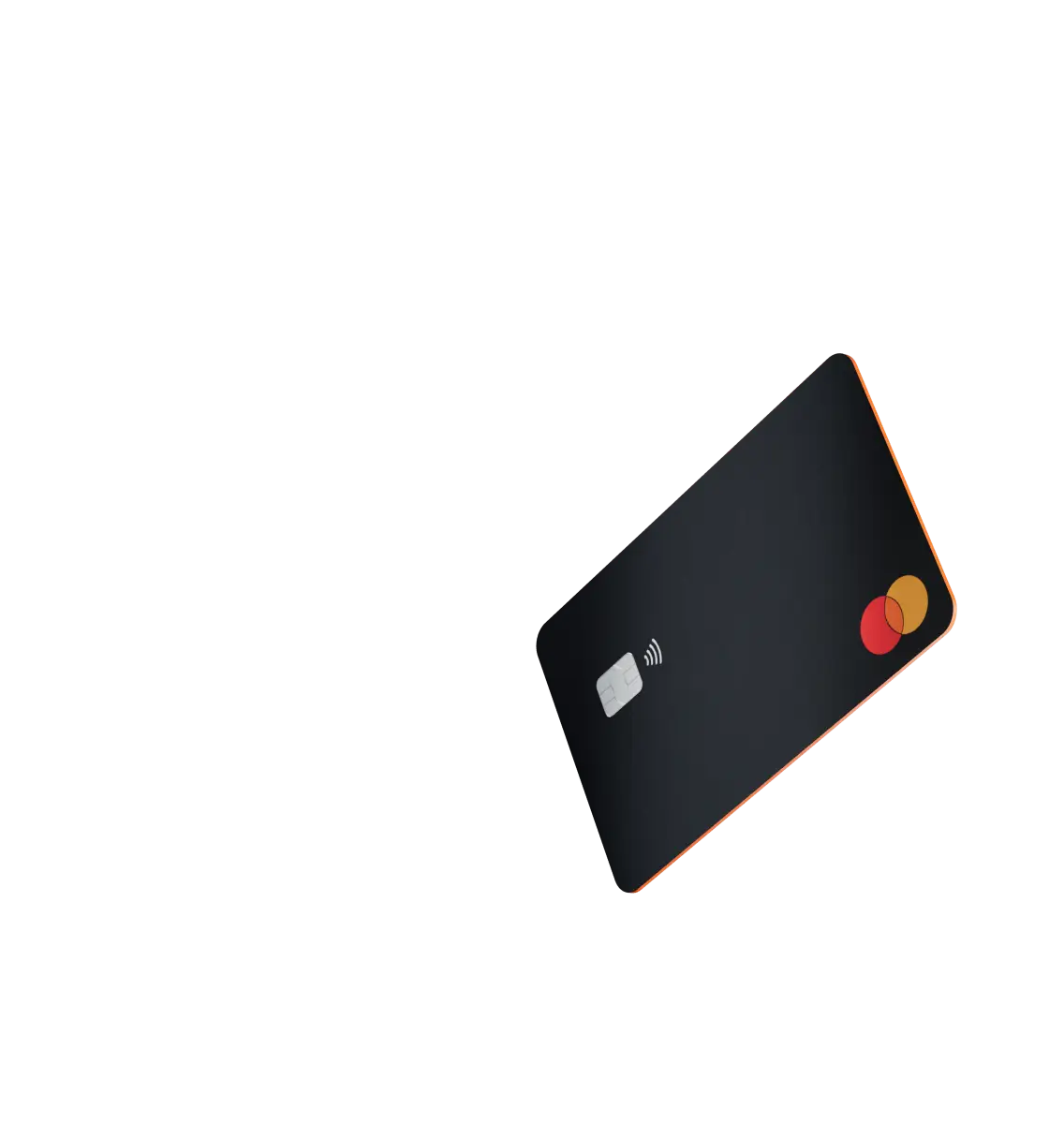
Pay everywhere you go with a simple tap. Collect rewards in stablecoins or BTC.

Manage 15,000+ crypto daily

Bitcoin, Ethereum, Solana, XRP, stablecoins... you name it, it’s here.

One crypto app to rule all. Total ease and control.

Ledger Wallet™ empowers you to build your portfolio: buy, swap, stake, spend* with the simplicity of exchanges & security of a signer.

Where crypto meets cash

Direct deposit your paycheck. Top up your crypto card. Withdraw local currencies at ATMs worldwide. Get cashback shopping. Use it as collateral.

Maximum flexibility & speed

Diversify your assets across 90+ chains. Compare prices across 50+ popular service providers. Enjoy MEV protection and more. All free from compromise.

Moonpay Revolut 1inch Near Figment Kiln 50+

FAQ

Find answers to some of the most common questions.

Thinking about buying crypto or NFTs? You’ll need a crypto wallet.

When you create a wallet, two keys are generated: a private one and a public one. The wallet stores your keys and enables you to sign transactions, generate new addresses, initiate transfers, track portfolio balances, manage your crypto, and interact with dApps.

Crypto wallets come in many forms, from hardware wallets, like Ledger’s, to mobile apps that you can download on your phone or tablet.

When you buy crypto like Bitcoin and Ethereum, you’re issued two keys: one is public and the other is private.

The public key can be compared to a bank account number that you can share with third parties to receive crypto without worrying that your assets will be compromised.

The private key signs transactions and allows you to send and receive crypto. It’s crucial to keep your private keys secure and secret. If anyone has access to them, they will also have access to any crypto assets associated with those keys.

A crypto wallet stores your private keys and gives you access to your assets.

There are different types of crypto wallets, each with its own benefits and drawbacks.
Hot wallets are connected to the internet and usually convenient to use, however, they are also vulnerable to online attacks. Examples include web-based, mobile, and desktop wallets. Cold wallets keep your private keys offline and out of reach of online threats. Examples include paper and hardware wallets.

Wallets can also be categorized as custodial or non-custodial, depending on who holds the private keys. Storing your crypto in a custodial wallet means that a third party controls your private keys and, therefore, your assets. In contrast, non-custodial wallets, like Ledger’s, enable you to fully own and control your crypto.

Hot wallets store private keys on systems connected to the internet, which makes them susceptible to online attacks. Keeping your crypto on an exchange also means you have no true ownership or control over it. If the exchange files for bankruptcy or pauses withdrawals, you lose access to your funds.

Hardware wallets store your private keys offline, giving you full control and enhanced security. Even if you misplace or lose your hardware wallet, you can get a new one and use your Secret Recovery Phrase to access your assets.

Ready to get started? Here are the steps for getting your crypto wallet:

  1. Get a Ledger hardware wallet. It stores your private keys in a secure, offline environment giving you peace of mind and complete control over your assets. All Ledger crypto wallets are powered by an industry-leading Secure Element chip, together with Ledger’s proprietary OS that protects your crypto & NFTs from sophisticated hacks.
  2. Pair your Ledger crypto wallet with the Ledger Wallet app to easily manage your crypto, keep track of your portfolio, and securely access a wide range of dApps and Web3 services. All in one convenient place!
  3. Add crypto to your Ledger wallet. Ledger has integrated leading third-party providers to make it possible to buy, swap, stake, and manage crypto through the Ledger Wallet app. Your crypto will be sent to the safety of your Ledger hardware wallet.

Thinking about buying crypto or NFTs? You’ll need a crypto wallet.

When you create a wallet, two keys are generated: a private one and a public one. The wallet stores your keys and enables you to sign transactions, generate new addresses, initiate transfers, track portfolio balances, manage your crypto, and interact with dApps.

Crypto wallets come in many forms, from hardware wallets, like Ledger’s, to mobile apps that you can download on your phone or tablet.

When you buy crypto like Bitcoin and Ethereum, you’re issued two keys: one is public and the other is private.

The public key can be compared to a bank account number that you can share with third parties to receive crypto without worrying that your assets will be compromised.

The private key signs transactions and allows you to send and receive crypto. It’s crucial to keep your private keys secure and secret. If anyone has access to them, they will also have access to any crypto assets associated with those keys.

A crypto wallet stores your private keys and gives you access to your assets.

There are different types of crypto wallets, each with its own benefits and drawbacks.
Hot wallets are connected to the internet and usually convenient to use, however, they are also vulnerable to online attacks. Examples include web-based, mobile, and desktop wallets. Cold wallets keep your private keys offline and out of reach of online threats. Examples include paper and hardware wallets.

Wallets can also be categorized as custodial or non-custodial, depending on who holds the private keys. Storing your crypto in a custodial wallet means that a third party controls your private keys and, therefore, your assets. In contrast, non-custodial wallets, like Ledger’s, enable you to fully own and control your crypto.

Hot wallets store private keys on systems connected to the internet, which makes them susceptible to online attacks. Keeping your crypto on an exchange also means you have no true ownership or control over it. If the exchange files for bankruptcy or pauses withdrawals, you lose access to your funds.

Hardware wallets store your private keys offline, giving you full control and enhanced security. Even if you misplace or lose your hardware wallet, you can get a new one and use your Secret Recovery Phrase to access your assets.

Ready to get started? Here are the steps for getting your crypto wallet:

  1. Get a Ledger hardware wallet. It stores your private keys in a secure, offline environment giving you peace of mind and complete control over your assets. All Ledger crypto wallets are powered by an industry-leading Secure Element chip, together with Ledger’s proprietary OS that protects your crypto & NFTs from sophisticated hacks.
  2. Pair your Ledger crypto wallet with the Ledger Wallet app to easily manage your crypto, keep track of your portfolio, and securely access a wide range of dApps and Web3 services. All in one convenient place!
  3. Add crypto to your Ledger wallet. Ledger has integrated leading third-party providers to make it possible to buy, swap, stake, and manage crypto through the Ledger Wallet app. Your crypto will be sent to the safety of your Ledger hardware wallet.

Discover what
security feels like

Stay in touch

Announcements can be found in our blog. Press contact:
[email protected]

Subscribe to our
newsletter

New coins supported, blog updates and exclusive offers directly in your inbox


Your email address will only be used to send you our newsletter, as well as updates and offers. You can unsubscribe at any time using the link included in the newsletter. Learn more about how we manage your data and your rights.